
Before Publishing a Brand Video: Check Its Automatic Captions


When are automatic captions ready to publish?
Automatic captions are ready for release when someone has checked their meaning, timing and match to the final video. Treat the generated text as a draft. A polished edit can still carry a wrong name, a missing word or an old caption track.
A caption track is the set of text lines attached to a video, with instructions for when each line appears. Your release decision concerns that track and the video together. Reviewing a script alone cannot confirm what viewers will read beside the finished footage.
YouTube's automatic caption guidance warns that accents, pronunciation and background noise can produce errors. It advises reviewing the generated text and correcting it. Captions may also be unavailable when a video is first uploaded, so leave room for review after they appear.
Imagine a fictional product launch film with a smooth voiceover and clear shots. Its captions name the wrong product model, although every other line looks plausible. That single mistake is enough to send the caption track back for correction before release.
Define the review around what the viewer needs to understand and do. This audience focus also guides planning a shared PR and digital strategy. For this video, write down the intended message, the final file and the person who can approve changes.
Which words need the closest attention?
Check names, numbers and words that limit or reverse a claim before polishing punctuation. Read each line while listening to the finished audio. An approved script helps you spot differences, but the recording may contain a changed phrase or an unscripted answer.
W3C's guidance on captions explains that captions convey speech and meaningful sounds in sync with the audio. It also warns that losing a negative word can reverse the message. These are meaning errors, even when the remaining text reads smoothly.
- Compare brand, product and speaker names with the approved spelling.
- Check amounts, dates, units and quantities against the spoken words and the approved facts.
- Listen for short limits such as only, until, may and not.
- Check who is speaking when the video switches between people.
- Flag unclear speech for a decision instead of guessing from the surrounding sentence.
For example, a fictional showroom video says that a display is not available for purchase. If the caption drops the negative, the viewer receives a different offer. Correcting the spelling elsewhere does nothing to resolve that error.
Separate a caption error from a false statement in the recording. If the speaker gives the wrong launch date, accurate captions will repeat the mistake. Return that issue to the person responsible for the claim, then review the revised audio and captions together.
Can viewers follow the words on screen?
Viewers should be able to follow each caption at normal playback speed and connect it to the right moment. Watch the whole film after the text check. Reading a caption file in a document does not reveal a line that arrives after its speaker has finished.
Make one pass with sound and another without it. The first helps you catch drift between speech and text. The second tests whether the captioned message remains clear without relying on your memory of the voiceover.
In a fictional interview, an editor cuts from a designer to a customer midway through a sentence. A late caption can make the customer's face appear beside the designer's words. Check the speaker change and the caption timing before deciding whether a speaker label is also needed.
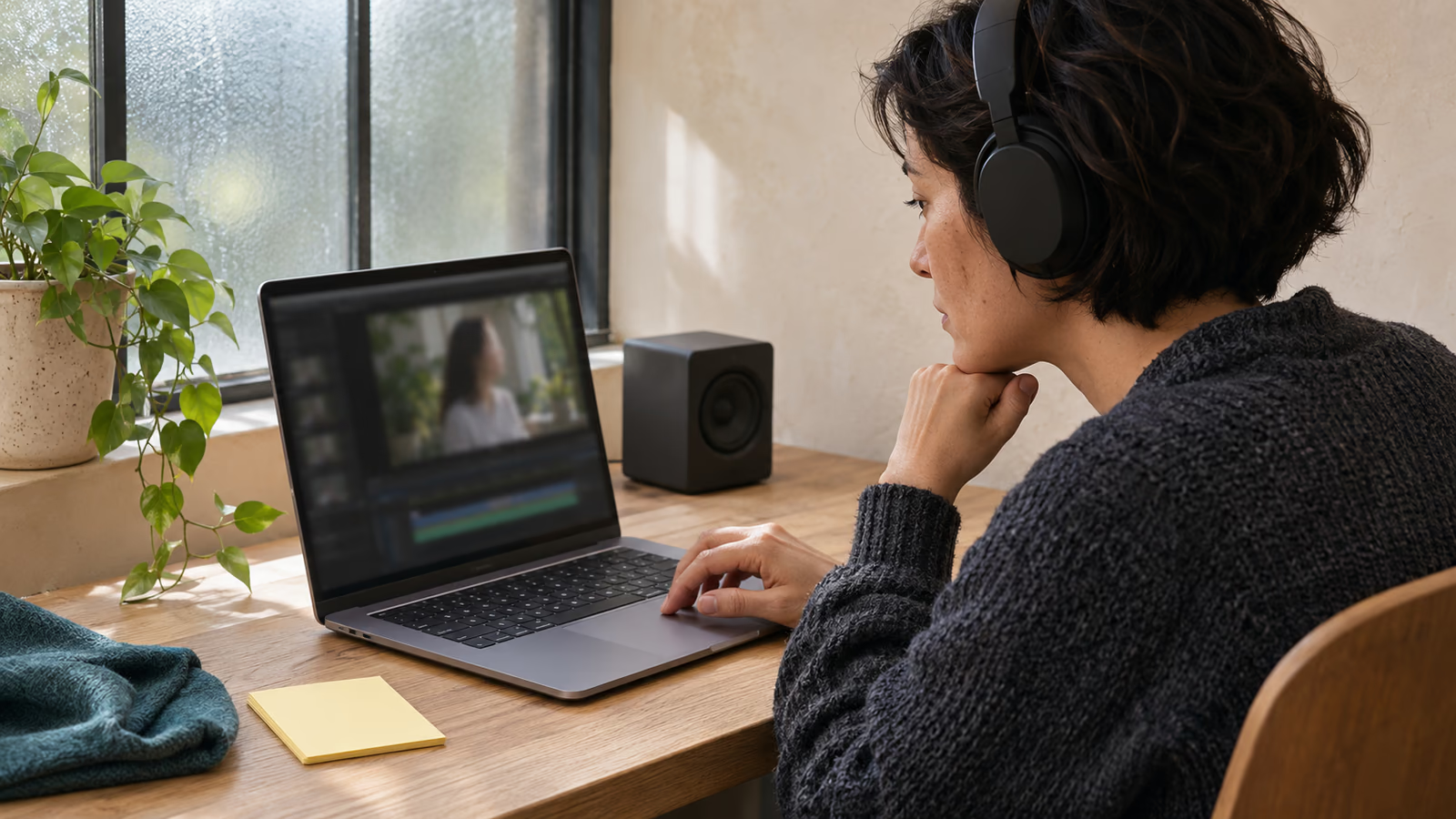
Test the smallest screen format planned for release. Look for text covering a product detail, a person's name or the final action prompt. If viewers must choose between reading the caption and reading another message, send that moment back for adjustment.
Include the sounds that help explain the scene, without turning the track into a list of every background noise. Consider a product demonstration where a tone confirms that a step is complete. Ask whether someone who cannot hear that tone still receives the same useful cue.
Does the caption track match this exact video?
Approve captions for a named video version, and review that approval whenever the edit changes. A correct track from yesterday's cut may be wrong today. Removing an opening shot can shift the text, while replacing a voiceover can change the meaning itself.
YouTube's guide to adding captions describes files containing caption text and display times. It also allows tracks to be added for different languages. The file's presence says nothing about whether someone has checked its wording against your final edit.
Use a simple version record that connects the video file, its language, its caption file and its approval. Give each revised export a clear name. Keep the earlier version for reference, but mark which one the publishing team should use.
A shorter social cut deserves its own check even when it uses the same interview. It may omit the question that makes an answer clear. Review the new sequence as a complete message rather than assuming the longer film's approval covers it.
For another language, ask a reviewer who understands both the spoken meaning and the target language to check the result. Preserve the claim without forcing the original sentence shape into the translation. The wider principle is adapting communication to local audiences, while keeping the underlying facts consistent.
Who owns corrections and the release decision?
Give one person responsibility for closing the caption review, with named support for factual questions and publishing. That person needs to know which issues remain open. A general message saying the video looks good is too vague to approve a specific caption track.
Separate three tasks: checking what the words mean, checking how they appear, and confirming the right version is published. A small team may share these tasks between two people. The record should still show who completed each check and which files they reviewed.
Write useful correction notes that identify the time, the visible text and the required change. If the audio is unclear, mark it for a decision from the speaker or content owner. Avoid quietly inventing a plausible product name to keep the release moving.
For example, a fictional note might identify an incorrect unit in the final demonstration. The content owner confirms the intended unit, the editor fixes the track, and a checker watches that moment again. If the recording also uses the wrong unit, the video itself needs attention.
Carry approved wording into related posts and page copy where it belongs. This is part of keeping messages aligned across channels. It does not mean changing captions to match a slogan when the speaker actually said something else.
How do you confirm the corrected captions are visible?
Confirm the correction in the actual player and language track that viewers will use. A saved local file or an editor preview is only an intermediate check. Open the intended viewing page after the publishing step and test the released version.
YouTube's caption editing guidance distinguishes text changes from timing changes. Editing automatic captions creates a revised track, and the changes require publishing. Check the result rather than assuming an edit in progress is already visible.
- Confirm the video is the approved final version.
- Select the intended language track and replay every corrected passage.
- Check names, amounts and speaker changes at normal speed.
- Test the released player on a phone as well as a larger screen.
- Record the viewing URL, reviewed version and any unresolved issue.
Also check whether text built into the video conflicts with the selectable captions. Editing a separate track will not remove words already exported into the picture. If both are present, review both rather than closing the task after fixing only one.
Close the review when the intended track is visible, the checks pass and no meaning question remains unresolved. Keep the correction record beside the final files. A later crop, new voiceover or language version should reopen the relevant checks.
Frequently Asked Questions
These answers cover the release decisions that remain after the first caption review.
Can a short video skip a caption check?
Check it before release. A short clip can still carry a wrong product name, amount or negative word that changes its message.
Is the approved script enough to verify captions?
Use the script as a reference, then compare the captions with the finished recording. Changes during filming or editing may leave the script out of date.
Can captions repair a wrong spoken claim?
Changing the captions alone leaves the wrong audio in place. Ask the content owner to resolve the claim, then review the updated video and text together.
Does an earlier approval cover a new video cut?
Treat the new cut as a new version to check. Revisit timing, speaker context and any changed wording before publishing its caption track.